

Your Forms, Your Control
Scholarship season? New loan campaign? Build the form yourself.
Scholarship applications, member surveys, event RSVPs, contest entries—whatever you need to collect, you can build it yourself. No developer queue. No back-and-forth.
- Visual builder: Drag fields into place. See exactly what members will see.
- Encrypted by default: SSL protection on every form. Member data stays safe.
- Auto-responses: Confirmation emails go out instantly. Submissions land in your dashboard.
Launch a new form when you need it—not when someone else has time to build it for you. And with Avtec CMS, adding it to your site is just as easy.
Request a DemoDrag & Drop Builder
Click, drag, done. Add fields, rearrange sections, customize labels—all without touching code.
Any Form, Any Purpose
Loan applications, contest entries, surveys, RSVPs—one tool handles them all.
Self-Service
Create, tweak, and launch forms on your own schedule. Your timeline, your control.
Automatic Confirmations
Members get instant confirmation emails. You can customize the message and branding.
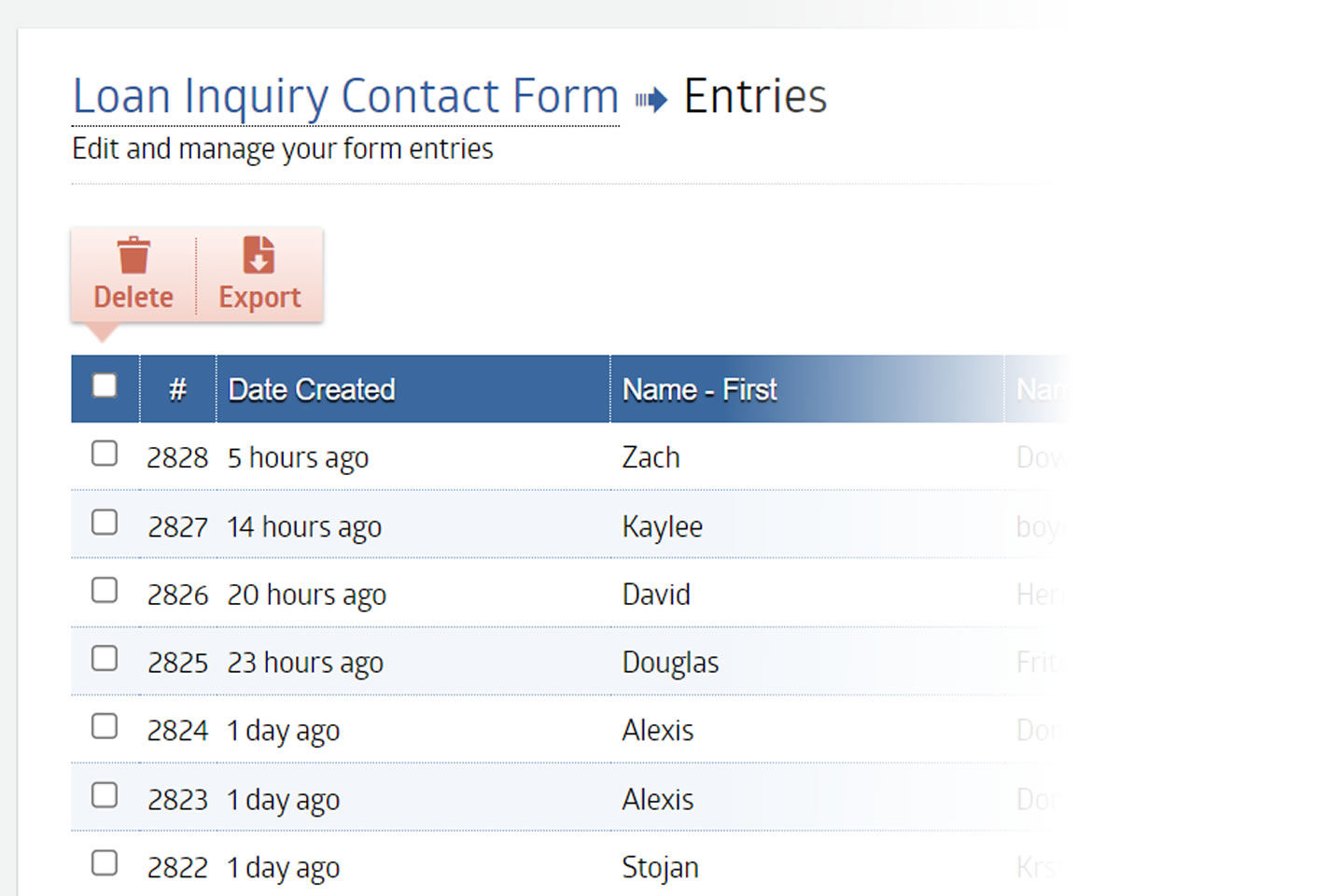
Entries Dashboard
View, search, filter, and export submissions. Download data in bulk when you need it.
Your Brand, Your Look
Match your credit union's colors, fonts, and style. Every form looks like it belongs.
Conditional Logic
Show or hide fields based on answers. Members only see what's relevant to them.
Secure by Default
SSL encryption on every form. Member data stays protected from submission to storage.
How It Works
Three steps. That's it.
Build Your Form
Drag fields onto the canvas. Text, dropdowns, checkboxes, file uploads—add what you need and arrange it how you want.
Customize & Brand
Match your credit union's colors and style. Set up confirmation emails. Add conditional logic if you need it.
Publish & Collect
Embed on your site or share a link. Submissions flow into your dashboard. Export anytime.

What You Can Build
If you can ask it, you can form it.
Collect applications, gather feedback, register attendees, run contests—one tool handles every form your credit union needs.
- Loan & account applications
- Scholarship applications
- Member surveys
- Contest & sweepstakes entries
- Event RSVPs
- Contact & inquiry forms

Data Protection
Secure forms without the security headaches.
SSL encryption is standard on every form you create. Member information travels protected—from the first field they fill out to the export you download.
SSL Encryption
All data transmitted securely.
Spam Protection
Built-in filters block junk.
Access Control
Limit who sees what data.
Secure Uploads
File attachments protected too.
Frequently Asked Questions
Form Builder FAQs
Most forms take 5–15 minutes. Drag in your fields, customize labels, set up confirmations, and publish. Simple forms like contact requests can be done in under 5 minutes.
No. The form builder is designed for marketing teams. Build what you need, when you need it—you're not dependent on anyone else's schedule.
Yes. Every form uses SSL encryption by default. Data is protected from the moment members start filling out the form through storage and export.
Yes. You can set up automatic confirmation emails that go out the moment a form is submitted. Customize the message and branding to match your credit union.
All submissions appear in your entries dashboard. You can view, search, filter, and export data anytime—CSV and Excel formats available for bulk downloads.
Absolutely. Customize colors, fonts, and styling so every form looks like it belongs on your website. Your brand stays consistent across every touchpoint.
You Might Also Like
Content Management System
Update your site without IT. Click, type, publish.
Content Development
Copy, layout, tools—content designed to convert.
Analytics
Reporting you can actually use and share.
Ready to Build Better Forms?
See how easy secure form building can be. We'll walk you through the interface, answer your questions, and show you exactly how it works.